Random Maps v4 ready to try out: Read more

This plugin was designed to suit well with both action games, where you need instant access to many skills and items, and cozy games, where you have a large set of different tools.
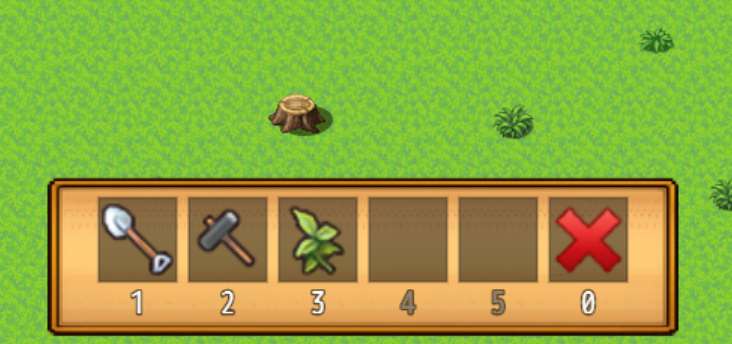
Features
- Easily bind items, skills, weapons, armors, and common events to the hotbar!
- Cooldowns
- Mouse&Keyboard support, making your cozy game easily playable on tablets
- Bind any key, not just 1-9 numbers, but also letters and special keys are allowed
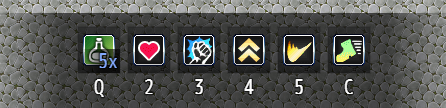
Item
Works best with healing items or items that call a common event. The hotbar checks whether the item is usable right now, e.g., a healing potion cannot be consumed when your hero is fully healed anyway.
The hotbar displays the player’s possession of this item.
Skill
Works best with healing skills or skills that call a common event.
Weapon&Armor
When binding an equipable item to the hotbar, the actor instantly equips it, unless the item is not compatible.
Scripts
MV users, use these scripts to work with the hotbar.
JavaScript
Show the hotbar:
MK.Hotbar.show()Hide the hotbar:
MK.Hotbar.hide()Add Item #2 to index 1:
MK.Hotbar.setCommandUseItem(1, 2)Add Skill #2 to index 1:
MK.Hotbar.setCommandCastSkill(1, 2)Add Weapon #2 to index 1:
MK.Hotbar.setCommandEquipWeapon(1, 2)Add Armor #2 to index 1:
MK.Hotbar.setCommandEquipArmor(1, 2)Add Common Event #2 to index 1, with Icon #3:
MK.Hotbar.setCommandCommonEvent(1, 2, { iconIndex: 3 })Add Common Event #2 to index 1, with Icon #3, and make it conditional to switch 4
MK.Hotbar.setCommandCommonEvent(1, 2, {
  iconIndex: 3,
  requireSwitch: 4,
})
Clear Hotbar Slots:
MK.Hotbar.clearCommand(1)
OR
MK.Hotbar.clearAllCommands()
Cooldowns
Cooldowns can be bound to items, skills, and common events.
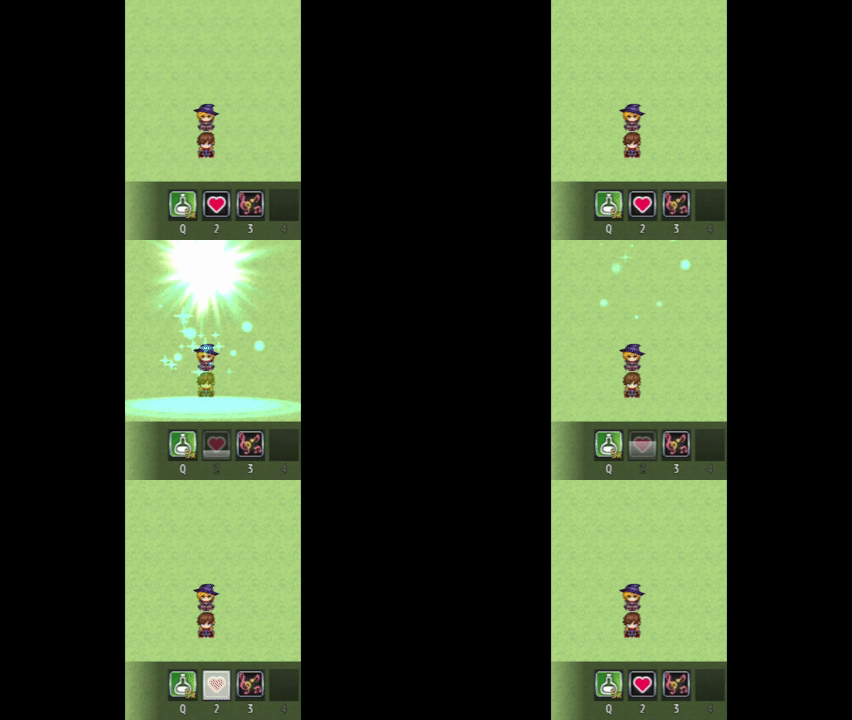
Note: Cooldowns function only on the hotbar. They do not prevent the player from entering the pause menu. You will need to block that with something else.
To add a cooldown of 60 frames to an item or skill, add…
<Hotbar Cooldown: 60>…to its note box.
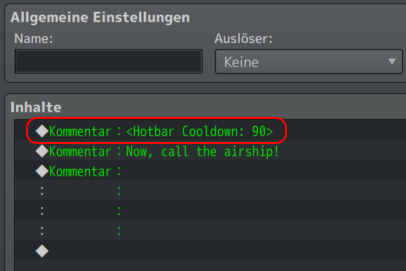
To add a cooldown to a common event, add a comment anywhere in the command list and type
<Hotbar Cooldown: 60>Example:
Formulas are allowed, and they can read user (for the user) and v for Game Variables. Example:
<Hotbar Cooldown: user.agi * v[1]>Download
https://downloads.aerosys.blog/plugins/MK_Hotbar.js (right-click, save as…)
– OR –