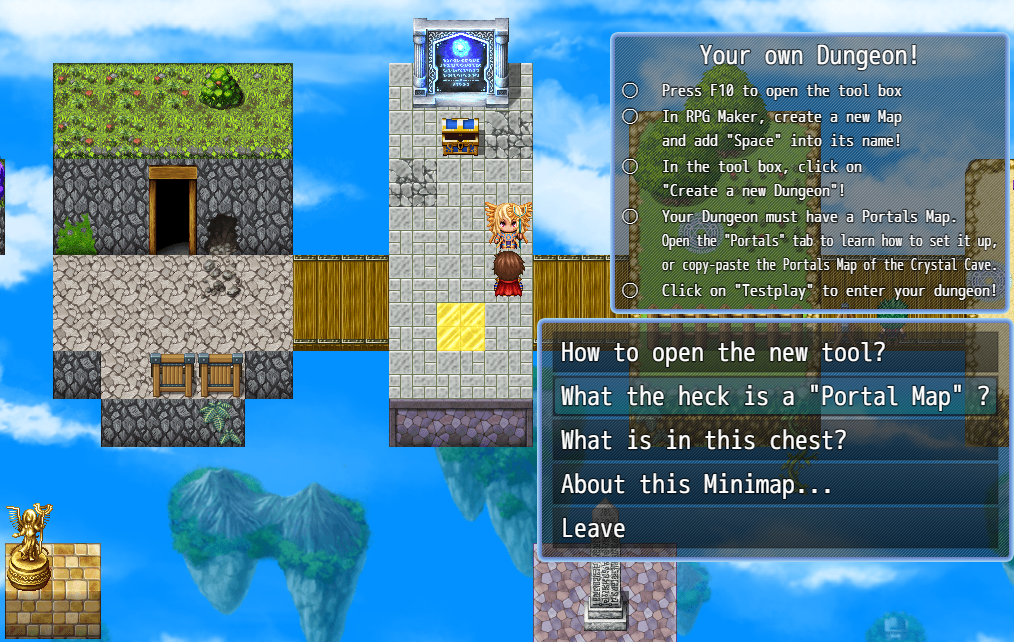
Random Maps v4 ready to try out: Read more

Random Maps 4.0 is a complete rework of the plugin from the ground up. Some features are being carried over, some are getting reworked, and some are left behind.
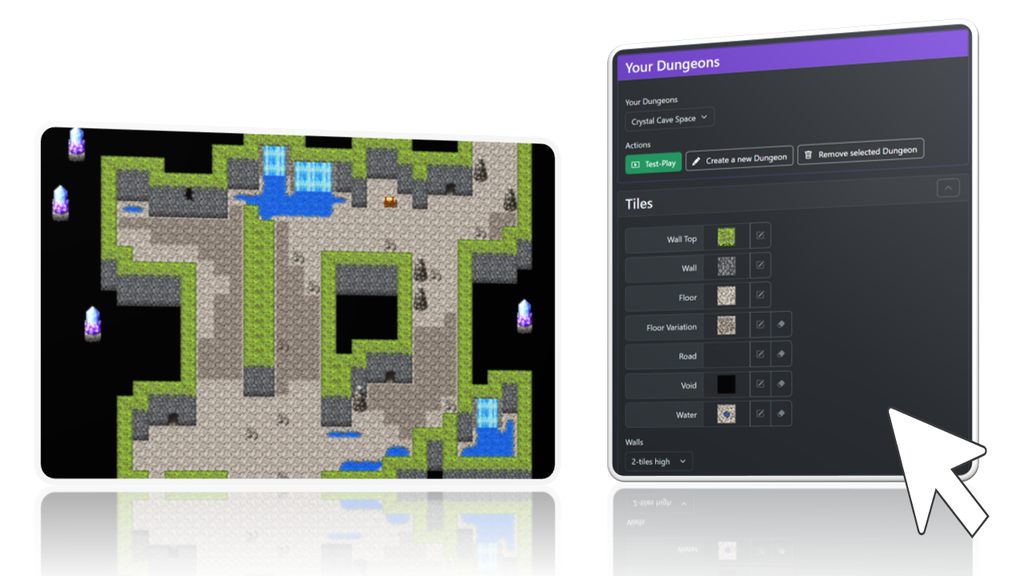
One of the biggest changes is the new UI Toolbox. This editor will guide you through the process of setting up a dungeon and put configuration options right where you need them, so you no longer have to dig through the Plugin Manager and manually enter configurations. The goal is to make the whole process much more intuitive and, most importantly, help you understand what you’re actually doing.
The toolbox is built directly into the plugin, and there’s no additional software to install.
TL;DR
- Random Maps now comes with a UI editor that makes almost all configuration options much easier to work with and understand.
- Instant Test-Play: You can now change settings in the UI editor and quickly jump into the dungeon without needing to restart your game first.
- Full focus on being snippet-less! Snippets – predefined building blocks such as straight sections, curves, intersections, etc. – are gone and will not return in future updates.
- Static Maps: For those unfamiliar with the concept: a Static Map is a map that you design beforehand and then populate using Random Maps‘ tools. This makes things like creating simple villages possible, for example. This feature is planned and will be coming soon!
- No World Maps for now. Not because I don’t like them – it’s quite the opposite. The problem is that a World Map is fundamentally different from a dungeon. World Maps tell a story and gradually guide the player forward, usually by unlocking new routes over time through things like story progress or new vehicles. That’s something a procedurally generated map simply can’t provide.
- Puzzles: The last version of Random Maps included a feature that each floor of the dungeon is labeled as a pre-defined „room type“, e.g. „Boss“, „Lever Puzzle“, … This feature is not yet carried over to 4.0 but will come in a later update!
UI Editor
Not only can the new toolbox guide you better through the process of setting up a dungeon, but it also makes input elements much more intuitive, so you no longer have to crawl through endless layers of dialogs in the plugin manager.
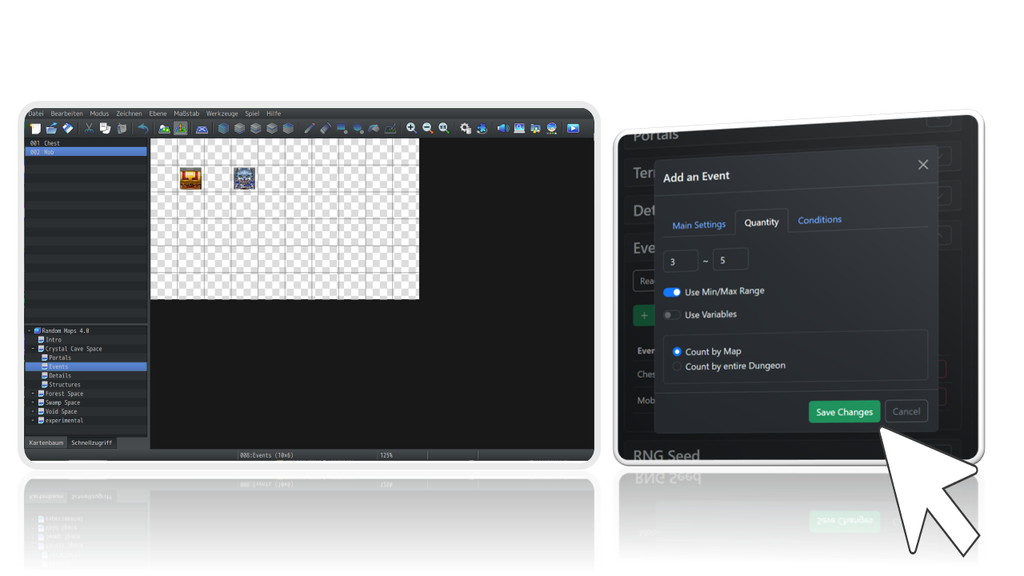
For example, simply add a new event in RPG Maker, and then configure how often it should spawn in the dungeon.
Bonus:
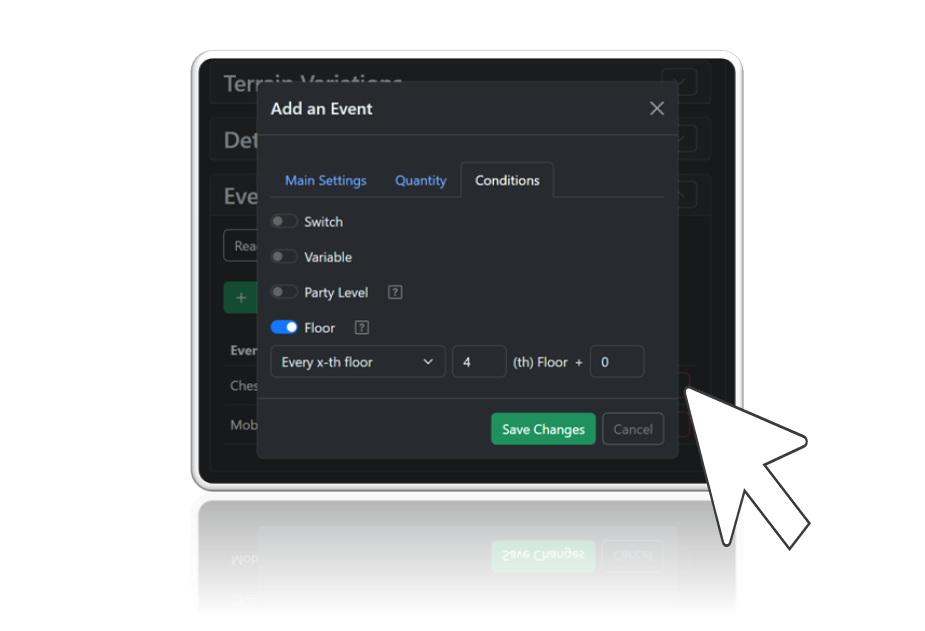
Such a toolbox allows me to design context-sensitive input fields, making it possible to add more interesting preconditions as shown right below:
Instant Test-Play
Now comes a real time saver:
You can now instantly jump into your dungeon regardless of where your character is located in the game. Test-Play instantly generates your dungeon and teleports you right inside. You no longer have to set your player’s starting position right in front of the entrance.
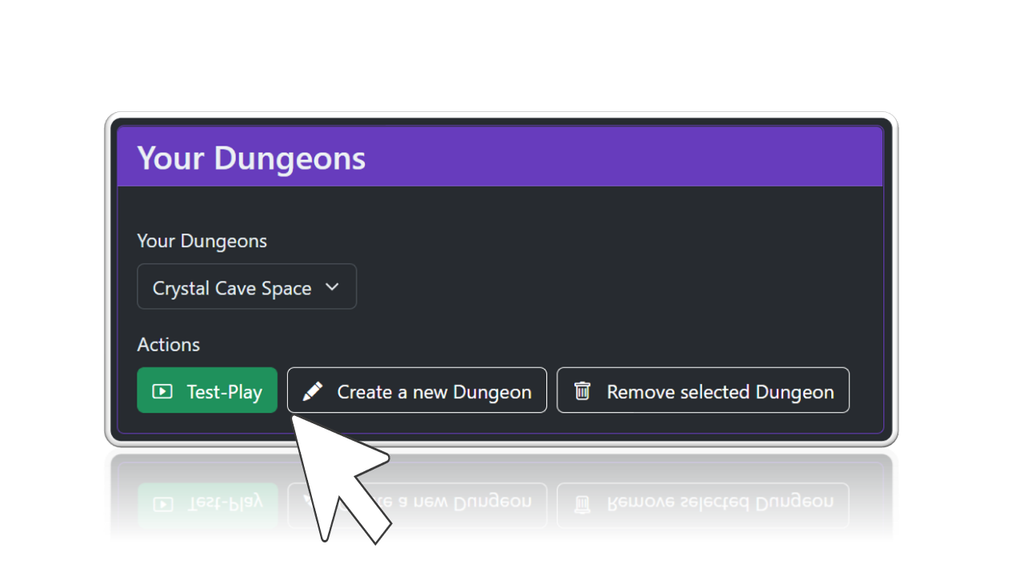
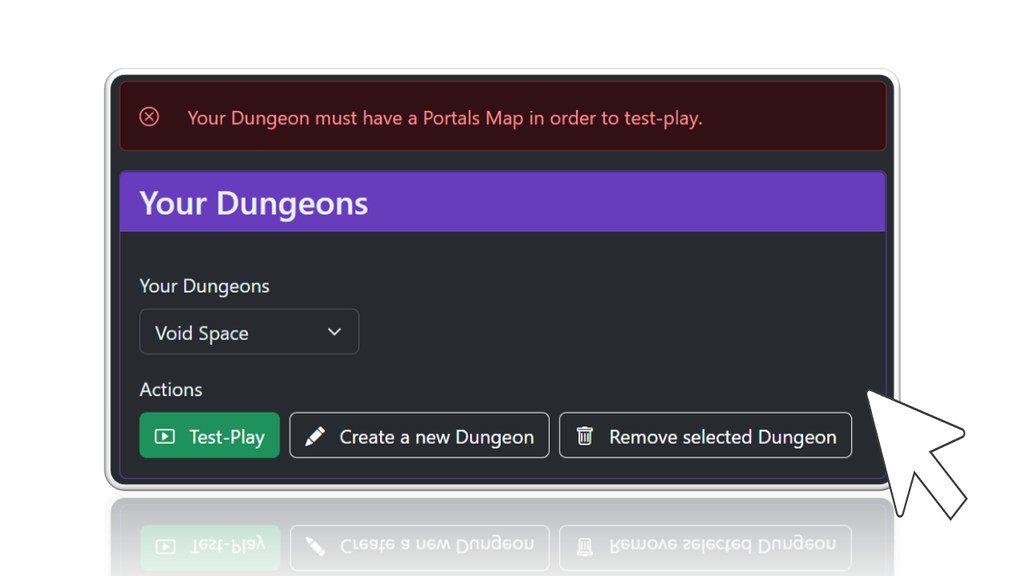
And in case something is not yet right, you will now see a descriptive error message instead of aborting your game.
What next?
- In the first iteration, you will find only one algorithm to choose from, designed to output natural environments, for instance, caves and forests. More algorithms such as „castle“ and „village“ will follow!
- Map-wide Puzzles, or in other words, labeling a floor as, e.g., „Boss“, „Surprise Encounter“, „Savepoint,“ will return!
- Terrain Variations! More controls to add cosmetic terrain details such as grass and dirt will be added.
What can be carried over to 4.0?
Honestly, not much.
The only things that can be carried over are Details Map and Structures Map. However, with the new UI editor, you can configure dungeons in just a few minutes!
A new Tutorial
Download the new sample project and walk through the new guide for your first dungeon!